
You know you should charge more. You've been at the same rate for a year (or three), your skills have grown, your schedule is full, and you're leaving money on the table. But the thought of losing students holds you back.
Here's the reality: raising rates is a normal part of running a tutoring business. Done right, it strengthens your practice. Done wrong — or not at all — it leads to burnout and resentment.
Why Tutors Undercharge
Most tutors set their rate when they're just starting out and never revisit it. The original number was based on what felt "reasonable" — not on market data, experience level, or demand. Then years pass, costs rise, skills improve, and the rate stays the same.
Common reasons for not raising rates: - Fear of losing students you've built relationships with - Feeling like you're not "worth" more - Not knowing what the market pays - Avoiding uncomfortable conversations - A vague sense that you should be grateful for what you have
None of these are valid business reasons.
When to Raise Your Rates
You're fully booked. If you have no open slots, demand exceeds supply. This is the clearest signal to raise prices. Compare your current rate against Average Tutoring Rates in 2026 and How to Set the Right Price for Your Tutoring Sessions.
It's been more than a year. Even without demand signals, annual adjustments are standard practice.
Your costs have increased. Rent, software subscriptions, commute costs, prep time — if your expenses went up, your rate should follow.
You've improved significantly. New certifications, better materials, proven results — your value has increased.
You're turning down work. If you regularly decline new students because you're full, price is the mechanism to rebalance.
How Much to Raise
5–15% is the standard range for an annual increase. On a $30/lesson rate: - 5% = $1.50 more ($31.50) - 10% = $3 more ($33) - 15% = $4.50 more ($34.50)
If you haven't raised rates in 2+ years, a 15–20% increase is reasonable — you're catching up to where you should already be.
For new students, simply quote your new rate. No explanation needed.
How to Communicate the Increase
For Existing Students
Give at least 4 weeks notice. Here's a template that works:
"Starting [date], my lesson rate will be [new rate] per lesson (currently [old rate]). This reflects [brief reason — my growing experience / increased demand / operating costs]. I value our work together and wanted to give you plenty of time to adjust. Let me know if you have any questions."
Key principles: - Be direct. State the new rate clearly. Don't apologize or over-explain - Give a reason. One sentence is enough. Experience growth, demand, and cost increases are all valid - Set a date. Pick the start of a month. Give 4–6 weeks lead time - Don't negotiate downward. If someone asks for a discount, you can offer a transition period instead — e.g., one more month at the old rate
For New Students
Simply quote your new rate. They have no baseline, so there's no "increase" — it's just your rate.
What About Students Who Can't Afford It?
You'll have three options for each student:
- They accept. Most will. A $3 increase per lesson is $12/month for a weekly student — less than a lunch
- They negotiate. Consider a one-month transition at the old rate, then switch
- They leave. This creates an opening for a new student at your higher rate
Losing 1–2 students from a rate increase is normal and healthy. You'll replace them quickly if your schedule has demand — and each new student comes in at the better rate.
If you genuinely want to keep a specific student at a lower rate, that's your choice. But don't make it the default.
Using TeachersFlow for Rate Changes
When you raise rates, TeachersFlow makes the transition clean:
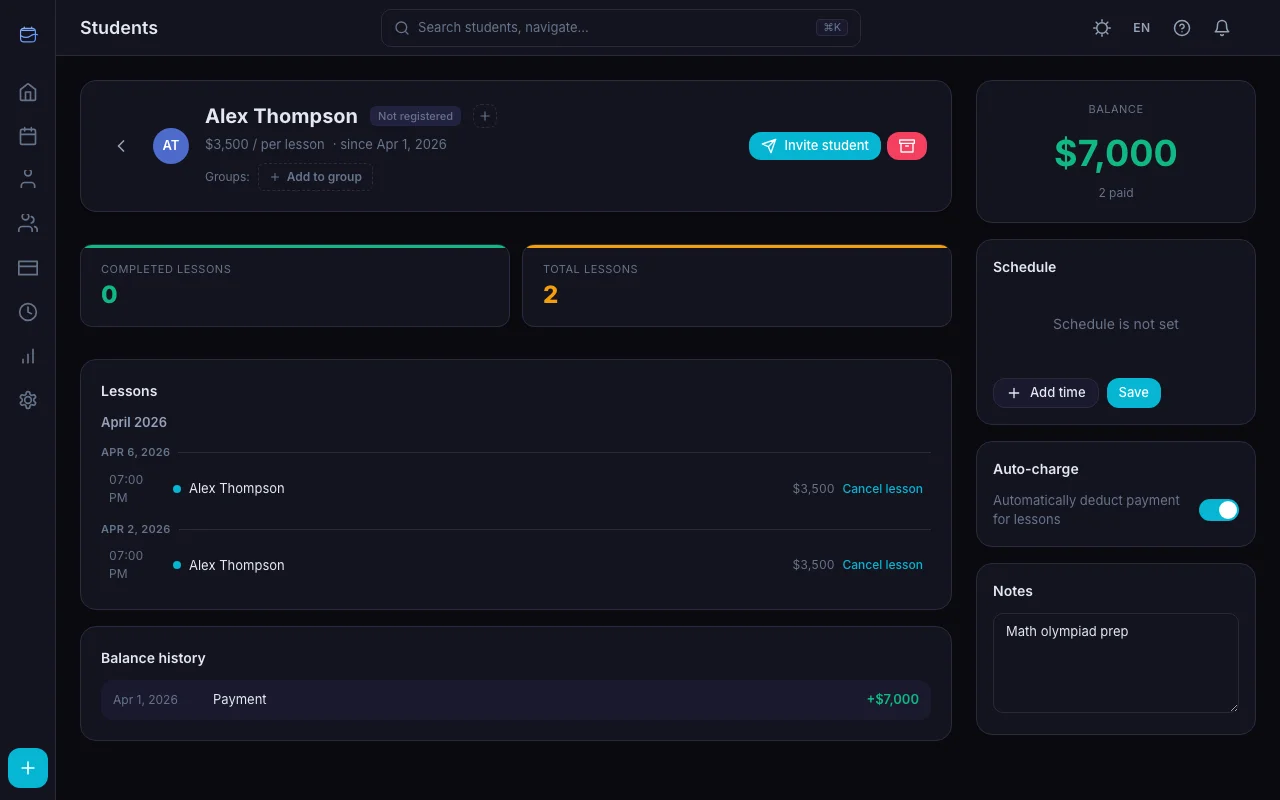
Update the lesson price on each student's profile. Future lessons are created at the new rate (via auto-charge). Past lessons keep their original price — your historical data stays accurate.
Check the impact with analytics. Compare your income between two periods (Pro plan) to see the actual revenue effect of the rate change.
Track who's been updated. Use student tags to mark "Rate updated Nov 2026" so you don't miss anyone.
Monitor for cancellations. Your Stats tab shows cancellation trends. If you see a spike right after the increase, it's data — not disaster. Most temporary spikes level out within 2–3 weeks. Need help with cancellation policy? Stop Losing Money on Lesson Cancellations.
The Math of Not Raising Rates
Suppose you teach 20 lessons per week at $25/lesson. Annual income: $26,000.
A 10% increase to $27.50 adds $2,600/year. Even if you lose 2 students (10%), you'd still earn $25,740 — and replace those students at your new rate within weeks.
After replacement: $28,600/year. That's $2,600 more for the same work — just from a single adjustment you should have made years ago.
Key Takeaways
- Raise rates annually. It's not greedy — it's standard business practice
- 5–15% is the normal range. Don't overthink the number
- Give 4 weeks notice to existing students. Be direct, be brief
- New students get the new rate immediately. No need to explain
- Losing 1–2 students is normal. You'll replace them at the higher rate
- Track the results. Use your analytics to verify the impact
Manage It With TeachersFlow
TeachersFlow tracks individual lesson prices, calculates your income, and shows you exactly how rate changes affect your bottom line. Update rates per student, compare periods, and make pricing decisions with real data.
14 days of full Pro access — no card required.