

About half of the tutors I've talked to track their work in Excel or Google Sheets. And it works — I won't pretend otherwise. A spreadsheet is flexible, and if you've already built your system, you don't want to throw it away.
But let's take an honest look at where spreadsheets hold up and where they start to struggle.
What's good about Excel
Let's be fair:
- Free. Google Sheets costs nothing. Most people already have Excel.
- Flexible. You can build anything: formulas, pivot tables, charts.
- Familiar. You already know how it works.
If you have 3-5 students and you don't mind filling in the spreadsheet after every lesson — Excel will work just fine. Honestly.
Where Excel starts getting in the way
Manual entry for everything
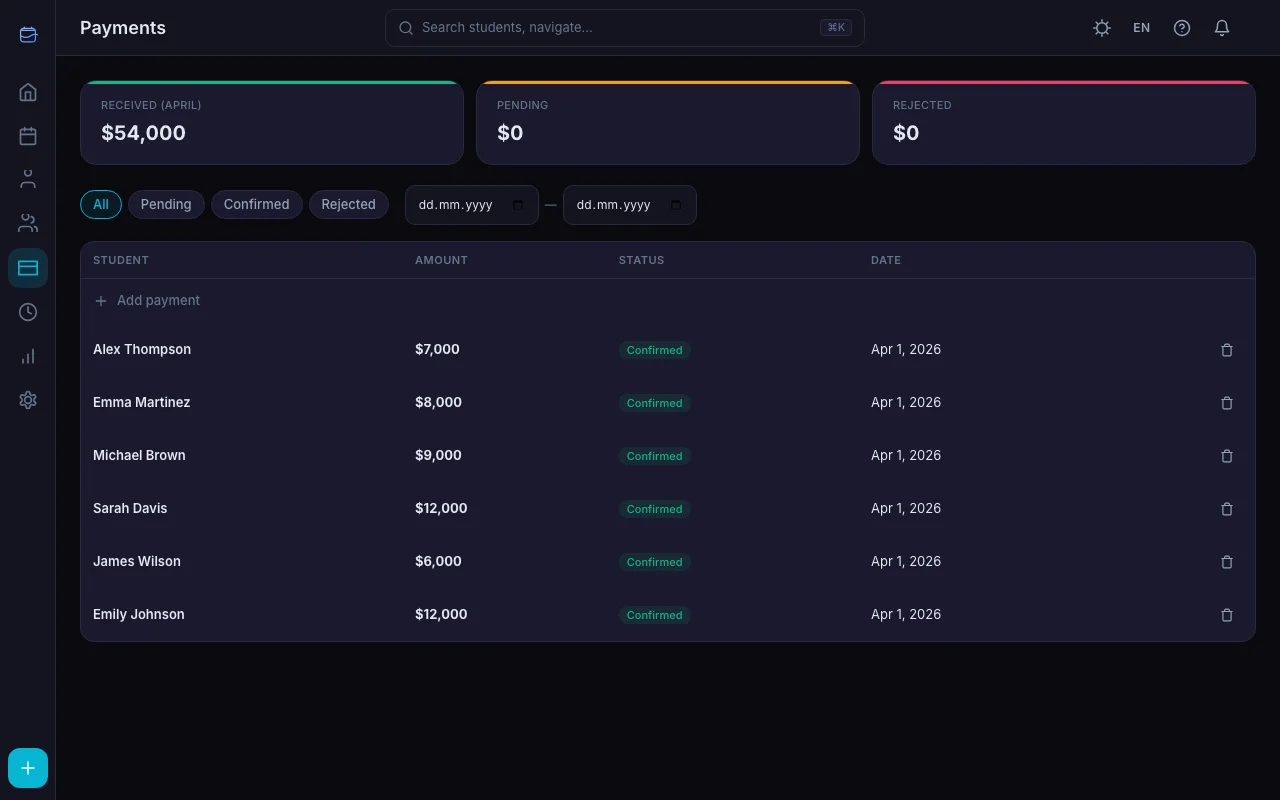
Every lesson needs to be logged by hand: date, student, paid or not, notes. Forget to update it in the evening — by morning you're not sure if that reschedule happened. With 15-20 students, that's 20-30 minutes every day.
No notifications
A spreadsheet won't send your student a lesson reminder. It won't tell you that Alex is three lessons behind on payment. You have to check the balance yourself and message each student manually.
No student access
Your student can't open your spreadsheet and check their schedule. They message you on Telegram: "When's our next lesson?" — and you open the file, find their row, and reply. Multiply by 15 students. A student portal eliminates this loop entirely.
No proper change history
Accidentally deleted a row? Overwrote a formula? Google Sheets has version history, but finding a specific change in it takes forever.
Task-by-task comparison
| Task | Excel / Google Sheets | TeachersFlow |
|---|---|---|
| Lesson schedule | Manual, rows in a spreadsheet | Recurring lessons created automatically |
| Payment tracking | Manual, formulas | Auto-deduction after lesson completion |
| Student reminders | None — you write them | Sent automatically |
| Payment reminders | None — you write them | Automatic when paid lessons run out |
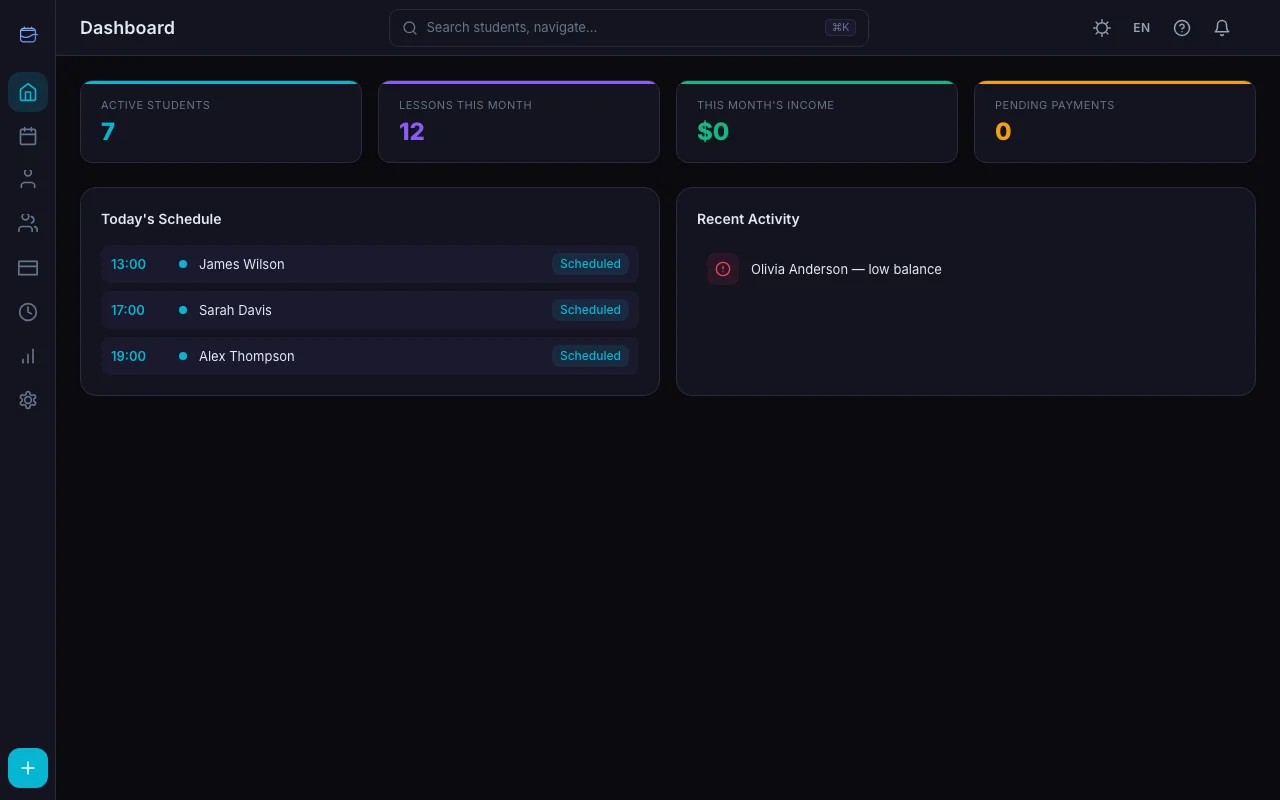
| Student access | None | Students see their schedule and balance |
| Income analytics | Formulas, pivot tables | Built-in analytics section |
| Mobile use | Clunky | Desktop web app, mobile version planned |
| Cost | Free | from $4/month |
Also see TeachersFlow vs Google Calendar for the calendar-based comparison.
When Excel is a fine choice
- You have fewer than 5 students
- You don't forget to log data
- You don't need notifications or student access
- You genuinely enjoy working with spreadsheets (it happens)
When it's time to switch to TeachersFlow
- You have 7-8+ students and keeping track is getting hard
- You regularly forget to log a lesson or payment
- Students keep asking "when's our lesson?" and you waste time looking it up
- You want reminders sent without your involvement
Can I migrate data from Excel?
There's no automatic import yet. But adding students manually takes about 10-15 minutes. Set up the schedule once, and the system handles everything from there.
Try it and compare
You don't have to ditch your spreadsheet right away. Open TeachersFlow, add a couple of students and run both side by side for a week. 14 days free — decide for yourself what works better.