
Every tutor hits that point where the schedule stops fitting in your head. Two students booked at the same time, a forgotten reschedule, "but we agreed on Thursday!" — sound familiar?
I've tried Google Calendar, phone notes, even a paper planner. They all work fine with five or six students. Once you get past that — things fall apart.
Why a regular calendar isn't enough
Regular calendars are great for general use. But tutoring has specific needs:
- A lesson needs to be linked to a specific student, not just "lesson at 3pm"
- After the lesson, you need to deduct the payment from the student's balance
- The student should get a reminder — and your calendar won't send it to them
- If it's a weekly lesson, it should be created automatically, not manually every time
A calendar answers "when?" but not "who?" or "is it paid for?"
Scheduling in TeachersFlow
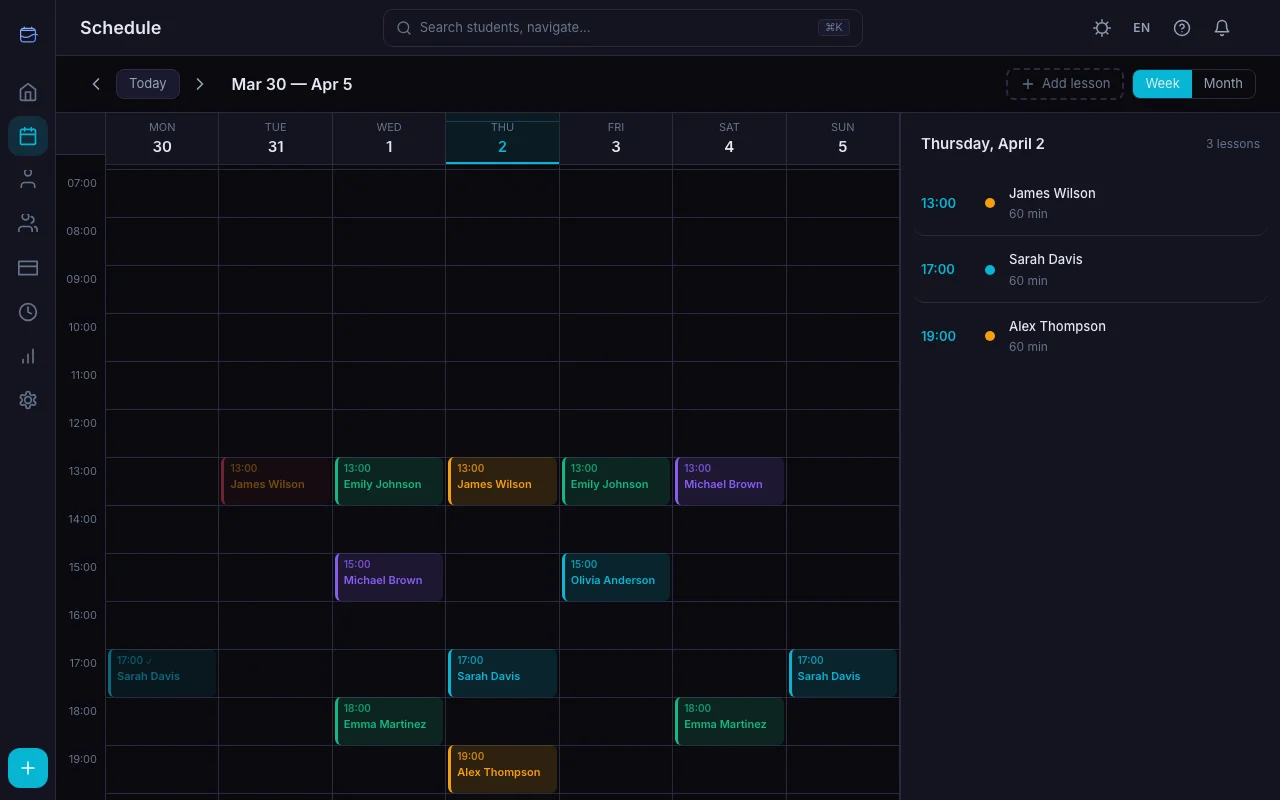
In TeachersFlow, the schedule isn't just a time grid. Every lesson is connected to a student, their balance, and their history.
Recurring lessons
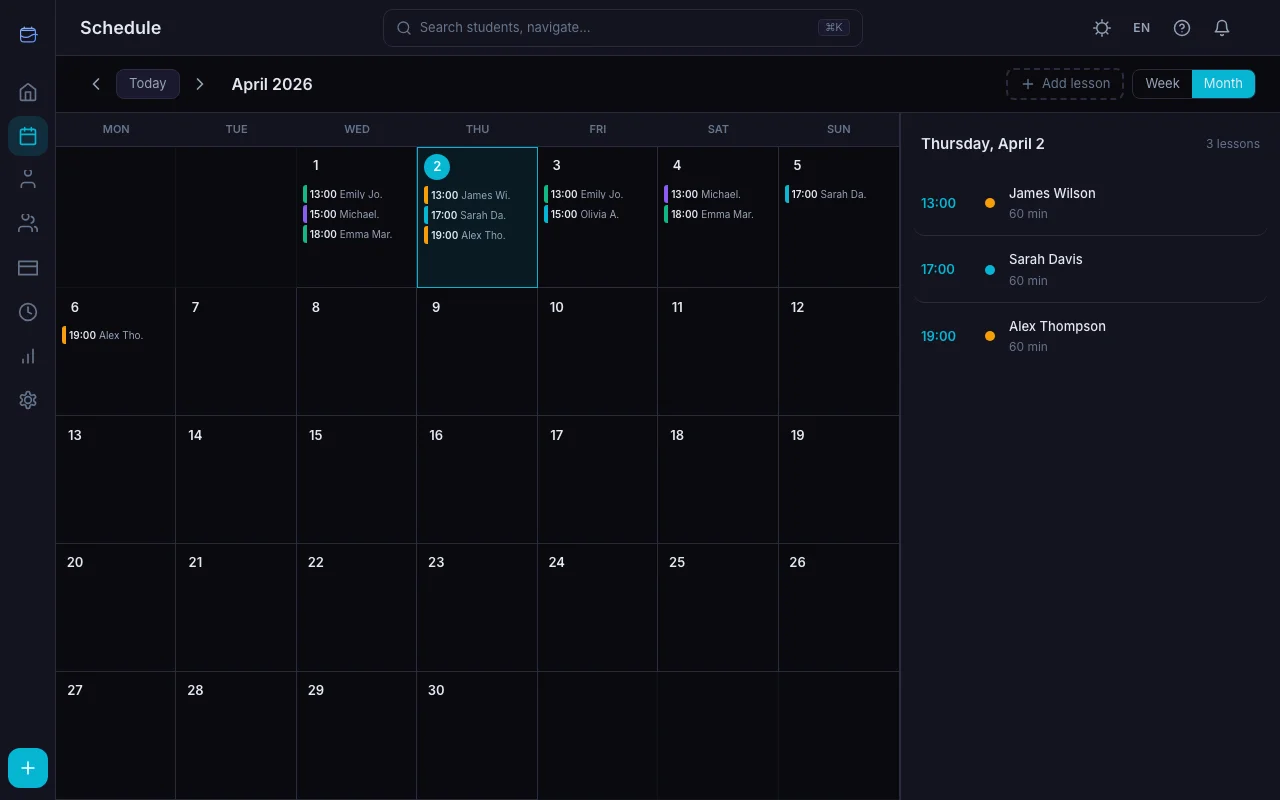
Say you teach Anna every Tuesday at 4pm. Set up the schedule once — the system creates future lessons automatically. No need to add them by hand each week.
If Anna goes on holiday — just cancel those specific lessons. The recurring schedule stays.
Rescheduling and cancellations
A student texts you at 8am saying they're sick? Open the lesson, tap "cancel" — done. Full mechanics in How to Reschedule or Cancel a Lesson. The student gets a notification. Need to move it to another day? A couple more taps.
Reminders
Before each lesson, TeachersFlow sends a reminder to both you and the student. You can choose the timing: 5, 10, 15, 30, or 60 minutes ahead. Reminders arrive as in-app notifications and email — no need to set up any mailing system. See the full notifications guide for everything else.
Your whole day on one screen
Open the app — see today's lessons. Who, what time, paid or not. After a lesson, mark it as completed — the student's balance updates automatically.
This saves about 15-20 minutes every day. Seems small, but that's over 7 hours a month. That's two or three extra lessons you could teach instead of fiddling with spreadsheets.
Group lessons work too
If you teach small groups — TeachersFlow lets you add multiple students to a single lesson. Each student has their own balance and gets their own notifications. Full guide: Group Lessons in TeachersFlow.
Give it a try
14 days of full access, free. Open TeachersFlow, add a couple of students and set up your schedule — you'll know within five minutes if it works for you.