
Ready to upgrade? Here's everything you need to know about TeachersFlow's paid plans — what you get, how much it costs, and how to subscribe.
Plans and Pricing
TeachersFlow has three plans:
| Free | Starter | Pro | |
|---|---|---|---|
| Monthly | $0 | $4/month | $8/month |
| Annual | — | $40/year ($3.33/mo) | $80/year ($6.67/mo) |
| Active students | 5 | 15 | Unlimited |
| Analytics history | 30 days | 90 days | Unlimited |
| CSV export | — | ✓ | ✓ |
| PDF export | — | — | ✓ |
| Period comparison | — | — | ✓ |
| Student ratings | — | — | ✓ |
All plans include: calendar, recurring schedules, group lessons, payment tracking, student portal, notifications, invite links, tags, and lesson notes.
Annual billing saves 17% on both Starter and Pro.
How to Subscribe
Step 1: Open the Pricing Page
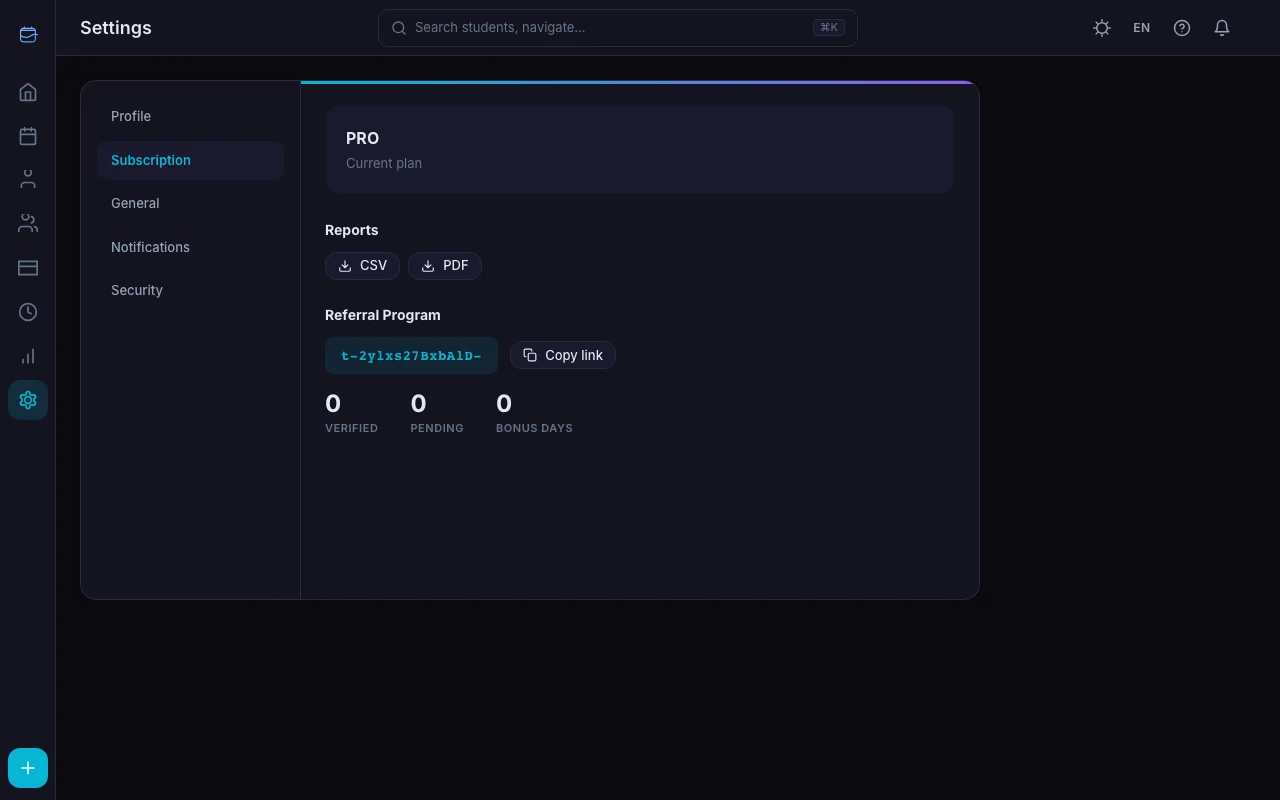
Go to Settings → Subscription and click Upgrade. You'll see the plan comparison with pricing.
Step 2: Choose Your Plan
Pick Starter or Pro based on your needs:
- Starter — if you have up to 15 students and want extended analytics (90 days) plus CSV export
- Pro — if you have 15+ students, want unlimited analytics, PDF export, period comparisons, and student ratings
Step 3: Choose Billing Cycle
Monthly — pay month to month, cancel anytime.
Annual — pay once per year, save 17%. Ideal if you're committed for the year.
Step 4: Complete Payment
Click the plan button to open the secure checkout. Payments are processed by Paddle, our merchant of record. TeachersFlow never sees your card details.
The checkout overlay opens right inside the app — no redirects to external pages.
Step 5: You're Subscribed
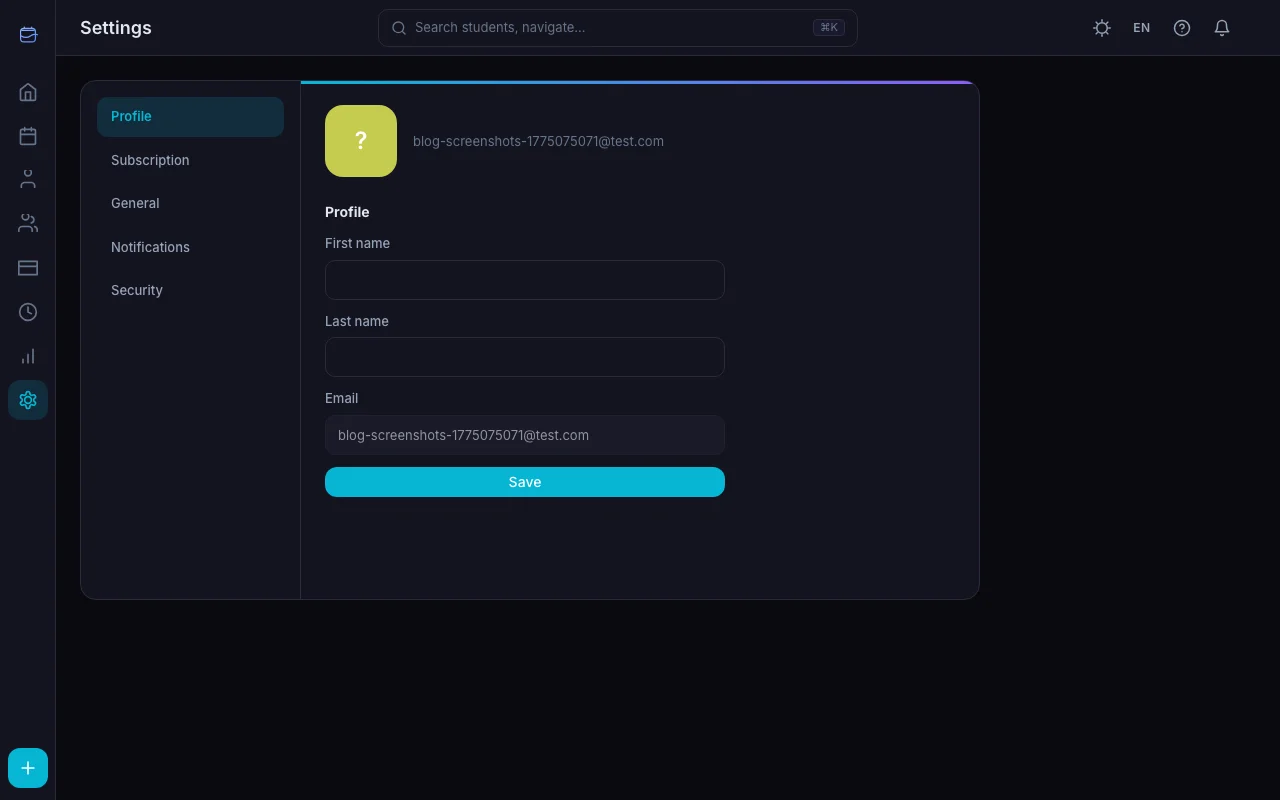
After payment, your plan activates immediately. New limits and features take effect right away — no need to log out and back in.
Accepted Payment Methods
Through Paddle, we accept:
- Visa and Mastercard (credit and debit)
- PayPal
- Apple Pay
- Google Pay
All prices are in USD.
Managing Your Subscription
After subscribing, the Settings → Subscription tab shows:
- Your current plan and billing cycle
- Next billing date
- A link to update your payment method (managed by Paddle)
- Options to change plan or cancel
Changing Plans
You can upgrade from Starter to Pro (or downgrade from Pro to Starter) at any time:
- Upgrades take effect immediately. You're charged the prorated difference
- Downgrades take effect at the next billing date. You keep your current features until then
Cancelling
Click Cancel Subscription in Settings. Your access continues until the end of the current billing period. After that, your account moves to the Free plan.
You can resubscribe at any time — just pick a plan and complete checkout again.
What Happens to Your Data
No matter what plan you're on, your data is always preserved:
- Upgrading: All existing data stays. New features unlock immediately
- Downgrading: All data stays. Some features become locked, but nothing is deleted
- Cancelling: All data stays. You can access everything within Free plan limits
Students, lessons, payments, notes, tags — nothing is ever deleted due to a plan change.
When to Upgrade
During your trial: If you're already convinced within the first 14 days, you can subscribe immediately — see exactly what's included in the trial. The trial ends and your paid subscription begins.
When the trial ends: Your account moves to Free. If you need more than 5 students or want analytics beyond 30 days, it's time to pick a plan.
When you hit the student limit: The Free plan supports 5 active students. Starter supports 15. If you're growing, upgrade to match your student count — see How to Manage 30+ Students Without Chaos.
Frequently Asked Questions
Are there any long-term contracts? No. Monthly subscriptions renew month to month. Annual subscriptions renew once per year. Cancel anytime.
Can I get a refund? Yes. Contact support within the refund window after payment — up to 14 days in the EU, shorter in some other regions. The exact period depends on your country. See our refund policy for details.
Is there a discount for teachers at schools? Not currently. The pricing is the same for all users.
What currency are prices in? All prices are in USD. Paddle handles currency conversion for your payment method.
Can I switch between monthly and annual? Yes. Go to Settings → Subscription → Change Plan to switch billing cycles.
Get Started
Open TeachersFlow and go to Settings → Subscription to choose your plan. If you're still exploring, the 14-day free trial gives you full Pro access — no card required.