
When you sign up for TeachersFlow, you get 14 days of full Pro access — no credit card required. Here's exactly what that means, what you can do with it, and what happens on day 15.
What You Get During Trial
Your trial account works exactly like a paid Pro subscription. No feature is locked, no limit is applied, no banner tells you "upgrade for more." For 14 days, you're a Pro user.
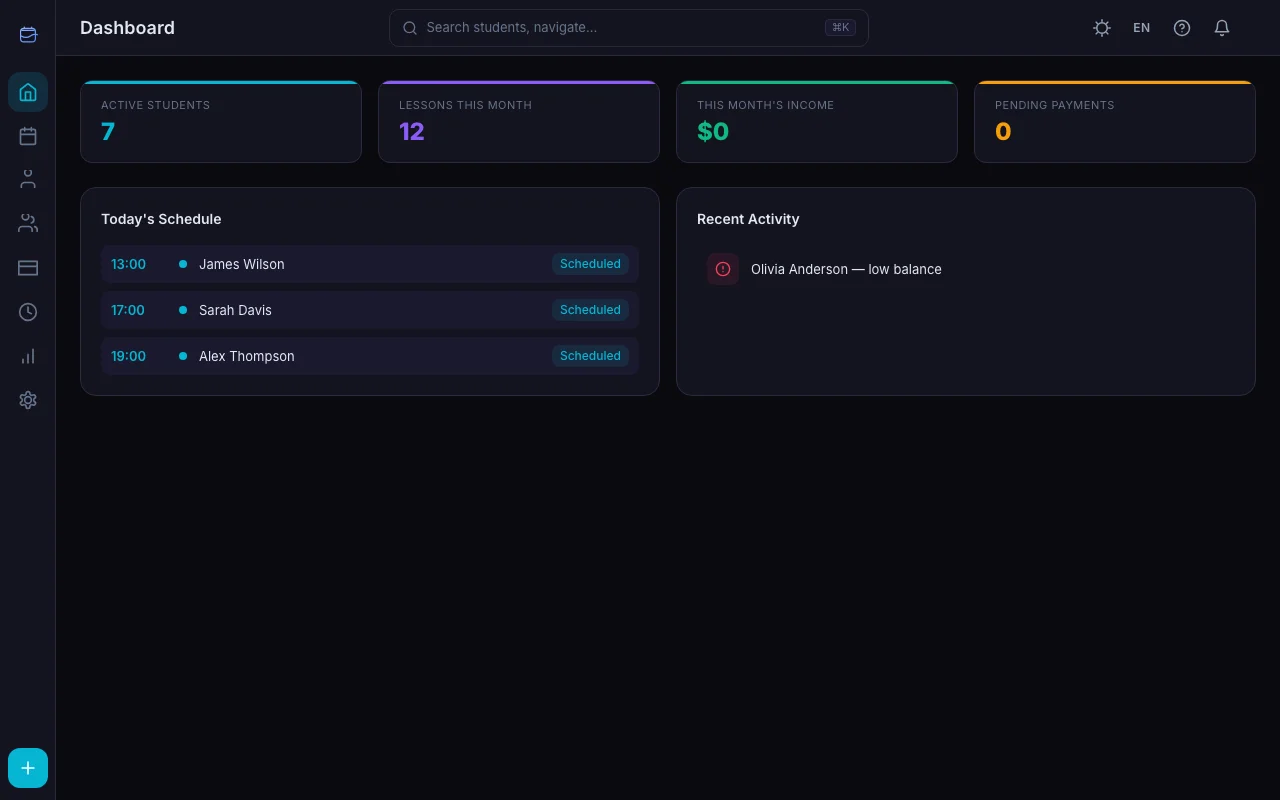
Specifically, you get:
Unlimited students. Add as many students as you want. No cap, no warning.
Full calendar and scheduling. Create one-off lessons, set up recurring schedules, reschedule, cancel — the full toolkit.
Group lessons. Create groups, assign students, schedule group sessions.
Payment tracking. Log payments, track balances, send payment requests.
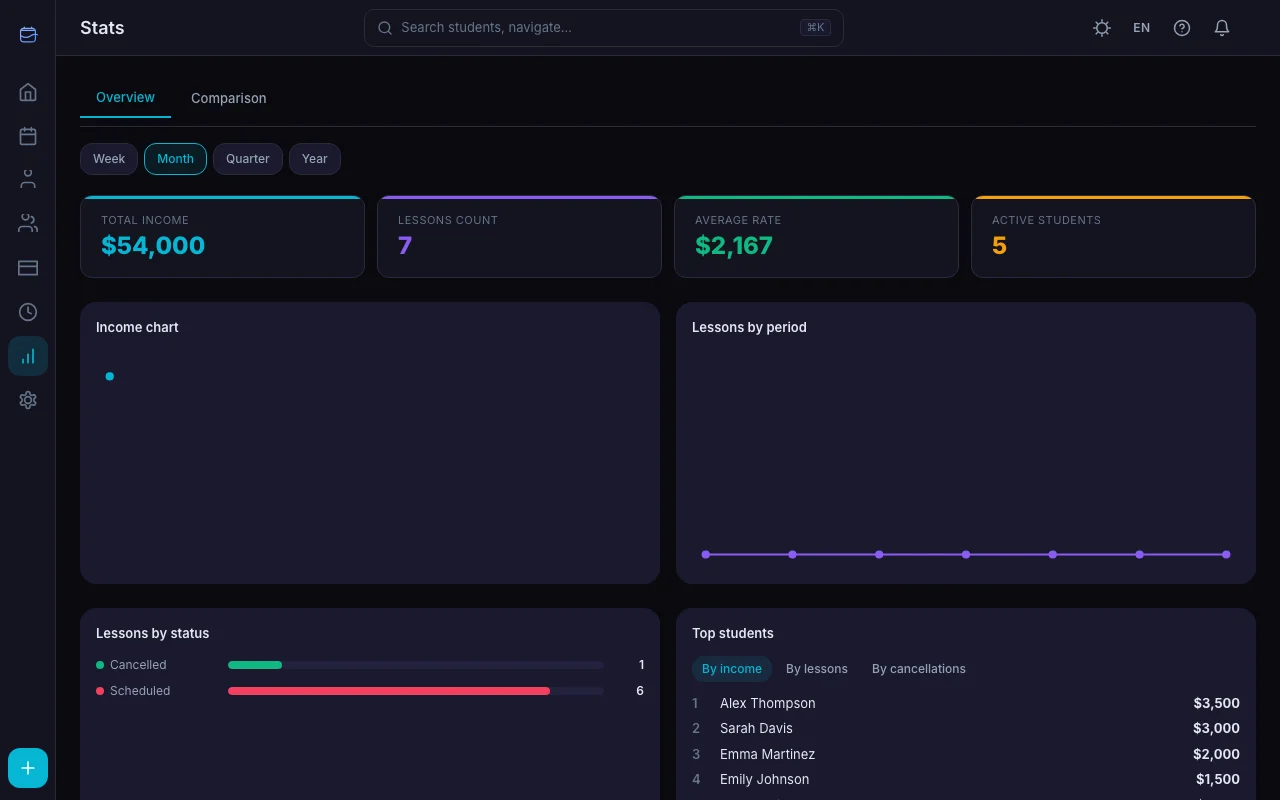
Advanced analytics. View income charts, lesson distribution by weekday, lesson status breakdown, and top students — for any time period (not just the last 30 days).
Period comparison. Compare any two date ranges side by side: income, lesson count, active students, cancellation rate, and more.
Student ratings. See which students attend most consistently and which cancel frequently.
CSV and PDF export. Export your data in spreadsheet or document format.
Student portal. Each student gets a personal page to view their schedule, balance, and lesson history.
Invite links. Share a link so students can create their own account and connect to your TeachersFlow workspace.
Notifications. In-app and email notifications for lessons, payments, and schedule changes.
Student tags. Organize students with color-coded tags.
Lesson notes. Attach notes to each lesson for your reference.
In short: everything. There's no "trial version" — it's the real thing.
How the Trial Works
The trial starts the moment you register. No activation step, no email confirmation delay.
- Day 1: Full Pro access begins
- Day 11: You'll receive a reminder that 3 days remain
- Day 13: Final reminder — 1 day left
- Day 14+: Trial ends, account moves to the Free plan
The timer runs from your registration date, not from when you first log in or add your first student.
What Happens When the Trial Ends
On day 15, your account automatically moves to the Free plan. Here's what changes — and what doesn't:
What stays the same
- All your data is preserved. Students, lessons, payment history, notes — nothing is deleted
- Calendar and scheduling still work
- Group lessons still work
- Payment tracking stays available
- In-app and email notifications continue
- Student portal stays active
- Invite links still work
- Tags and lesson notes remain
What changes
- Student limit: 5 active students. If you have more than 5, existing students aren't deleted — but you can't add new ones or unarchive old ones until you're under the limit
- Analytics limited to 30 days. Charts and reports only show the last 30 days instead of any period
- No period comparison. The comparison tab becomes locked
- No student ratings. The ratings feature shows a paywall
- No CSV/PDF export. Export buttons show an upgrade prompt
The Free plan is fully functional for small-scale tutoring. If you have 5 or fewer students and don't need advanced analytics, you can use it indefinitely.
Three Plans to Choose From
| Free | Starter | Pro | |
|---|---|---|---|
| Price | $0 | $4/month | $8/month |
| Annual price | — | $40/year ($3.33/mo) | $80/year ($6.67/mo) |
| Active students | 5 | 15 | Unlimited |
| Analytics history | 30 days | 90 days | Unlimited |
| CSV export | — | ✓ | ✓ |
| PDF export | — | — | ✓ |
| Period comparison | — | — | ✓ |
| Student ratings | — | — | ✓ |
| Calendar, groups, payments | ✓ | ✓ | ✓ |
| Student portal | ✓ | ✓ | ✓ |
| Notifications | ✓ | ✓ | ✓ |
The annual option saves you 17% on both Starter and Pro.
How to Upgrade Before or After Trial
You can upgrade at any point — during the trial or after it ends. See How to Subscribe to TeachersFlow Pro for the step-by-step.
- Open Settings → Subscription
- Click Upgrade
- Choose your plan (Starter or Pro) and billing cycle (monthly or annual)
- Complete payment through the secure Paddle checkout
We accept Visa, Mastercard, PayPal, Apple Pay, Google Pay, and other local payment methods. TeachersFlow never sees your card details — all payments are processed by Paddle, our merchant of record.
Frequently Asked Questions
Do I need a credit card to start the trial? No. Registration requires only an email address. No payment information is needed.
Can I downgrade after upgrading? Yes. You can cancel your subscription at any time. Access continues until the end of your billing period, then you move to the Free plan.
What if I have more than 5 students when the trial ends? Your existing students aren't affected. You can still view them, schedule lessons, and track payments. You just can't add new students or unarchive old ones until your active count is under the Free limit — or you upgrade.
Is my data safe after the trial? Yes. Nothing is deleted when the trial ends. Your full history stays intact.
Start Your Trial
Sign up for TeachersFlow and get 14 days of full Pro access — no card required. Use every feature, add every student, and decide if it fits your workflow before paying anything. New here? Start with Get Started with TeachersFlow in 5 Minutes.