

September is make-or-break for tutors. Old students come back, new ones appear, schedules fill up fast. Without preparation, you spend the first two weeks in chaos — double bookings, forgotten students, pricing confusion.
Here's how to start the school year organized.
1. Audit Your Current Students
Before the rush starts, go through your student list:
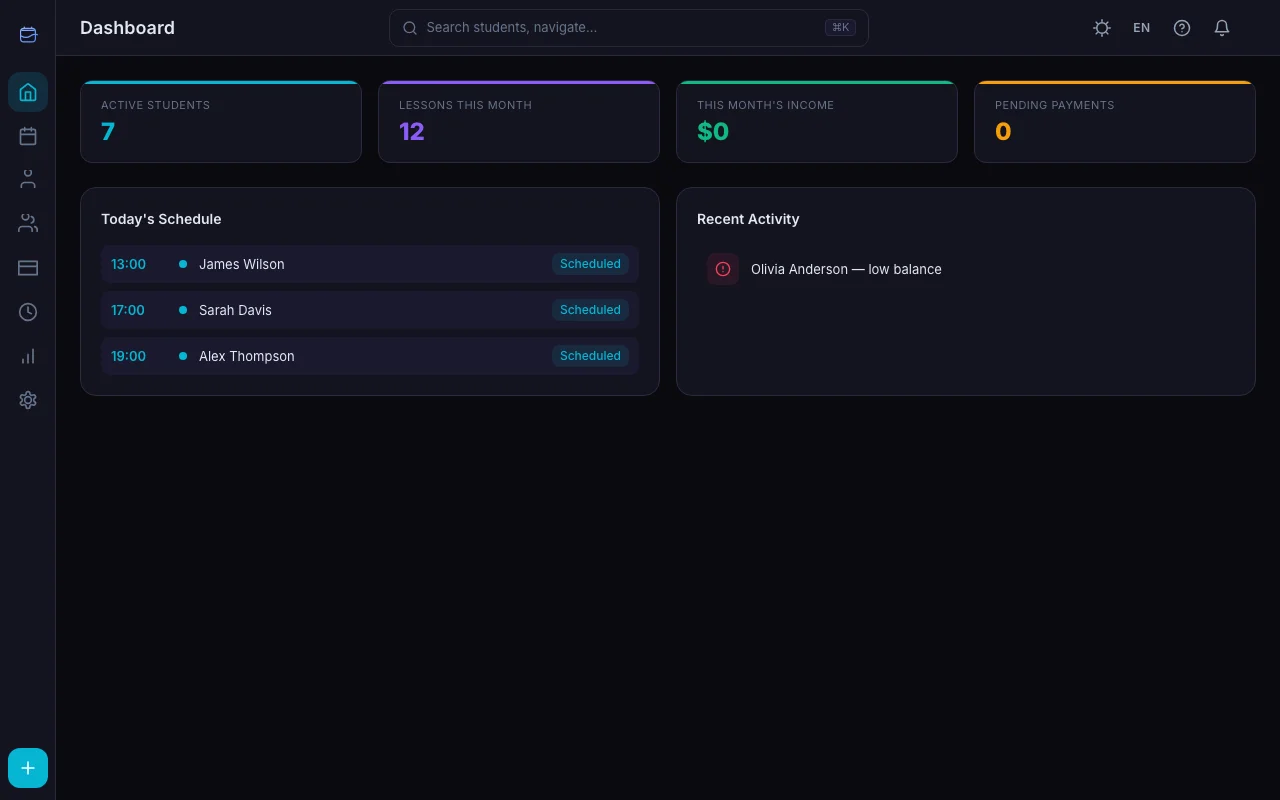
- Who's returning? Message them in August to confirm. Don't assume — students switch tutors over summer.
- Who's graduated or leaving? Archive them so they don't clutter your active list.
- Who needs schedule changes? New school timetables mean new availability.
In TeachersFlow, archive students you won't be seeing → they disappear from your active list but all history is preserved.
2. Update Your Rates
September is the natural time to adjust pricing — see How to Set the Right Price for Your Tutoring Sessions and How to Raise Your Tutoring Rates Without Losing Students:
- Review your current rates against the market — Average Tutoring Rates in 2026
- Notify returning students about any changes (give 2–4 weeks notice)
- Set new rates for new students
In TeachersFlow, update the lesson price in each student's profile. Auto-charge will use the new rate for future lessons.
3. Set Up Schedules Early
Don't wait for September 1st. As soon as students confirm:
- Open the student profile → Schedule tab
- Add their weekly time slots
- Planned lessons auto-generate in your calendar
Do this for all confirmed students in August. When September arrives, your calendar is already full and correct.
4. Prepare for New Students
September brings inquiries. Be ready:
- Have a clear onboarding process. In TeachersFlow: create student → set price → add schedule → share portal link. Takes 2 minutes.
- Prepare a standard intro message with your rates, schedule availability, and cancellation policy.
- Block time for trial lessons. Set aside 2–3 slots per week in September for new student introductions. Need more leads? See How to Find Your First Tutoring Students.
5. Handle the Payment Transition
Summer often means irregular payments. Reset them:
- Check all student balances — who owes you money? See How to Track Payments
- Send a friendly reminder to students with negative balances — automate it instead of typing manually
- For new students, ask for prepayment before the first lesson
TeachersFlow's student portal shows each student their balance. They can see exactly what they owe without you having to mention it.
6. Organize Group Lessons
If you teach groups, September is when the roster changes:
- Remove students who left
- Add new students to existing groups
- Create new groups if demand requires
- Update group lesson prices if needed
Set group schedules in TeachersFlow the same way as individual — the system generates planned lessons for every member automatically.
7. Set Your Boundaries
September energy is high, but overcommitting in September means burnout by November. Decide upfront:
- Maximum students — know your limit and stick to it
- Working hours — block off personal time in your calendar
- Cancellation policy — communicate it clearly to all students from day one
- Response time — you don't need to reply at 11 PM
8. Use the First Week as a Reset
The first week of September is a soft launch:
- Confirm every lesson shows up correctly in your calendar
- Test that auto-charge is working (check balance deductions)
- Make sure students can access their portal
- Adjust anything that's off before the routine sets in
September Checklist
| Task | Status |
|---|---|
| Archive inactive students | ☐ |
| Confirm returning students | ☐ |
| Update lesson prices | ☐ |
| Set up all recurring schedules | ☐ |
| Clear negative balances | ☐ |
| Prepare onboarding for new students | ☐ |
| Organize groups | ☐ |
| Set working hour limits | ☐ |
| Test everything in first week | ☐ |
Start the Year Right
TeachersFlow handles scheduling, payments, and student management so you can focus on teaching. Set up everything in August, enjoy a smooth September.
14 days of full Pro access — no card required.